
Pose guides for real photos
Never run out of poses again.
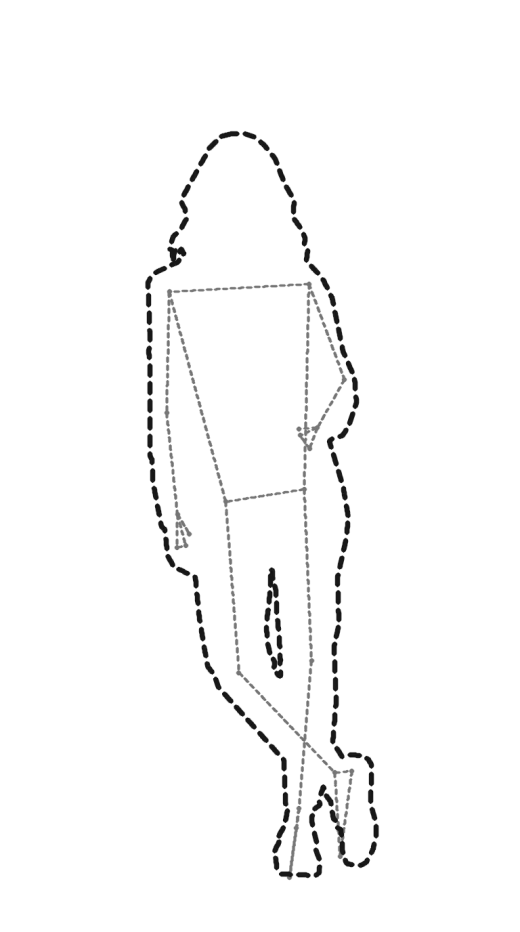
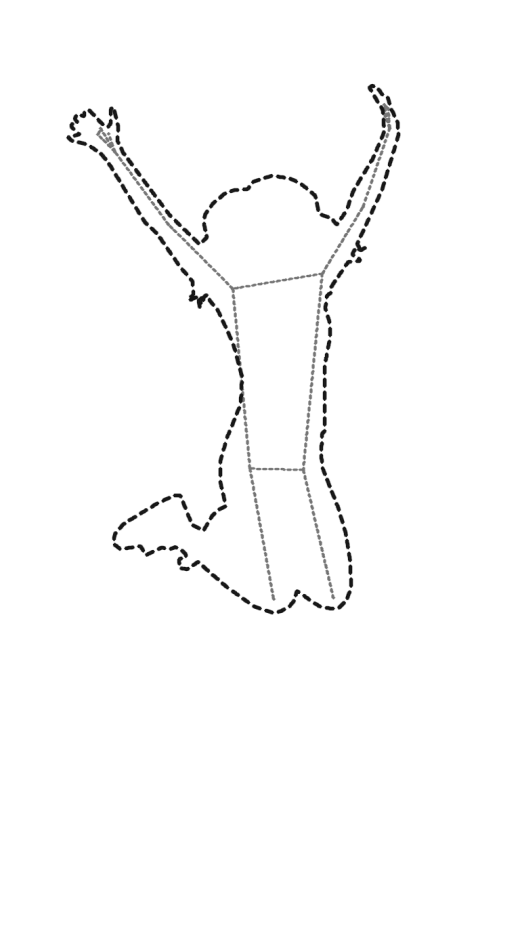
Poseo puts a dashed tracing guide over your camera. Pick a pose from a library of real reference photos, line your subject up with the trace, and shoot like you already knew what to do.
Free when it lands. No ads, no account, works fully offline.

 Your cameraYour shot
Only the trace shows in your camera. Drag to see the shot.


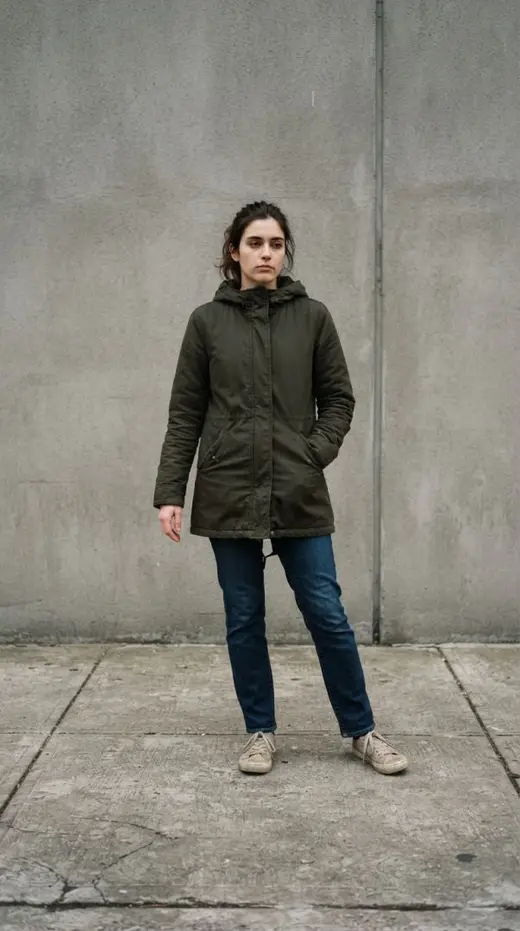

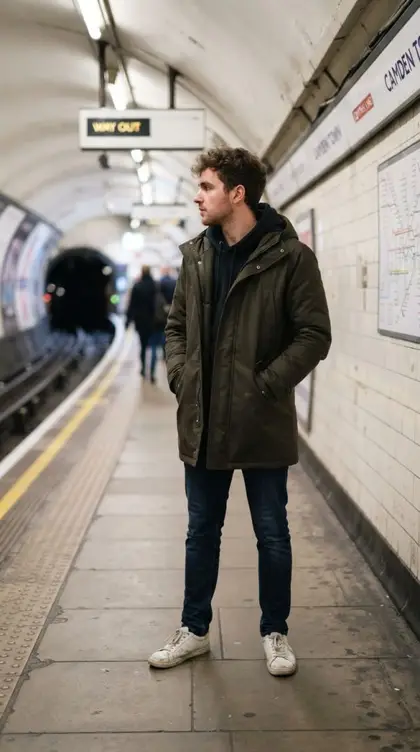

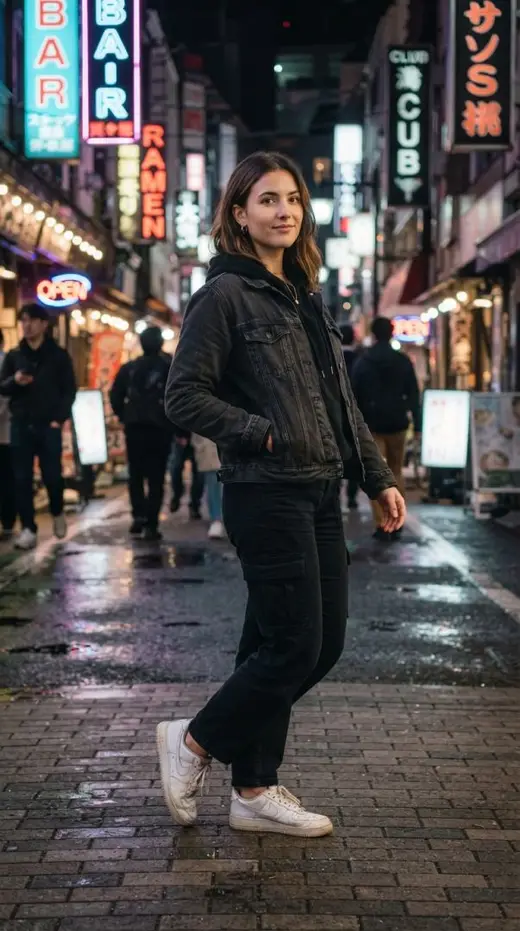
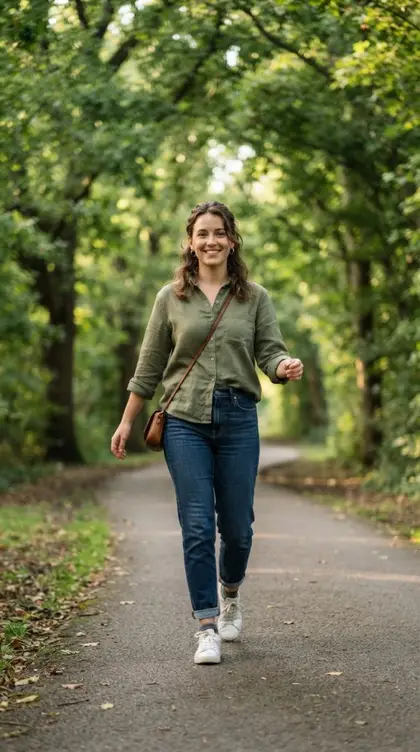
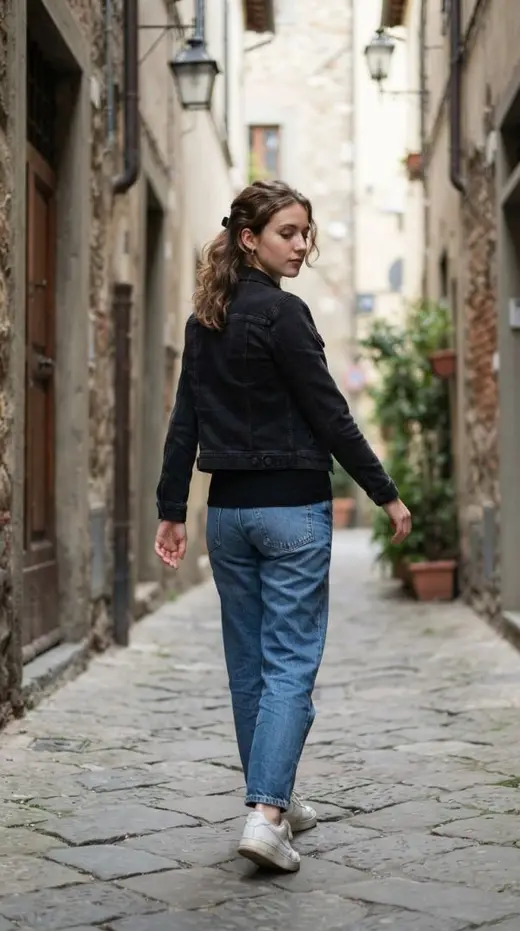

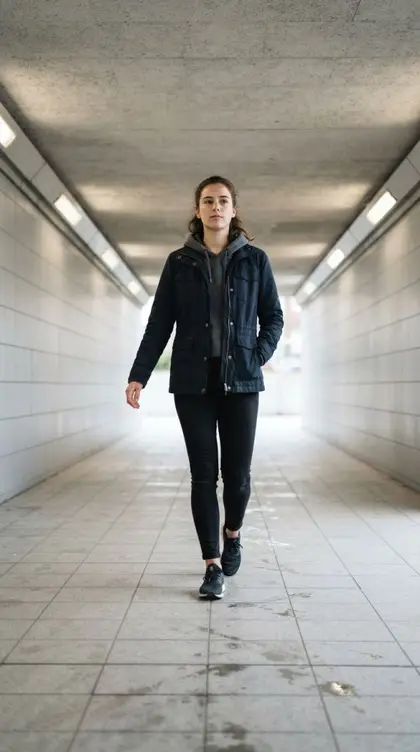


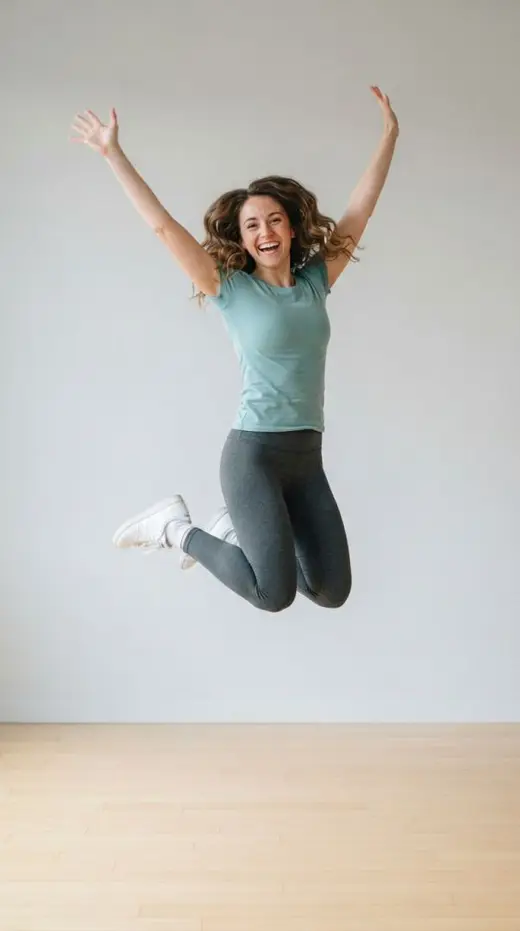

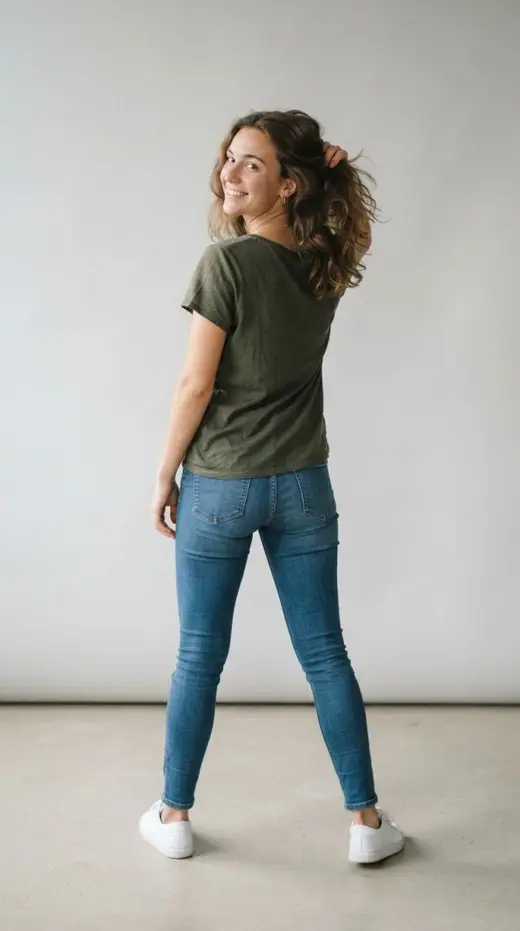
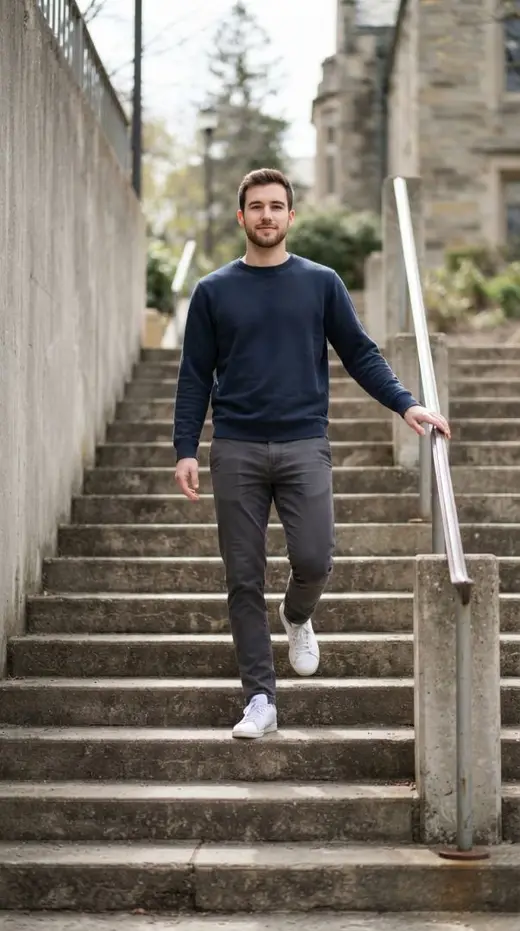

- 01
Point.
Open the camera. Your chosen pose is already waiting on screen.
- 02
Trace.
Line your subject up with the dashed guide. Anyone holding the phone instantly gets it.
- 03
Shoot.
Match the lines, press the shutter. Straight to your gallery, story-ready.
Straight from the app
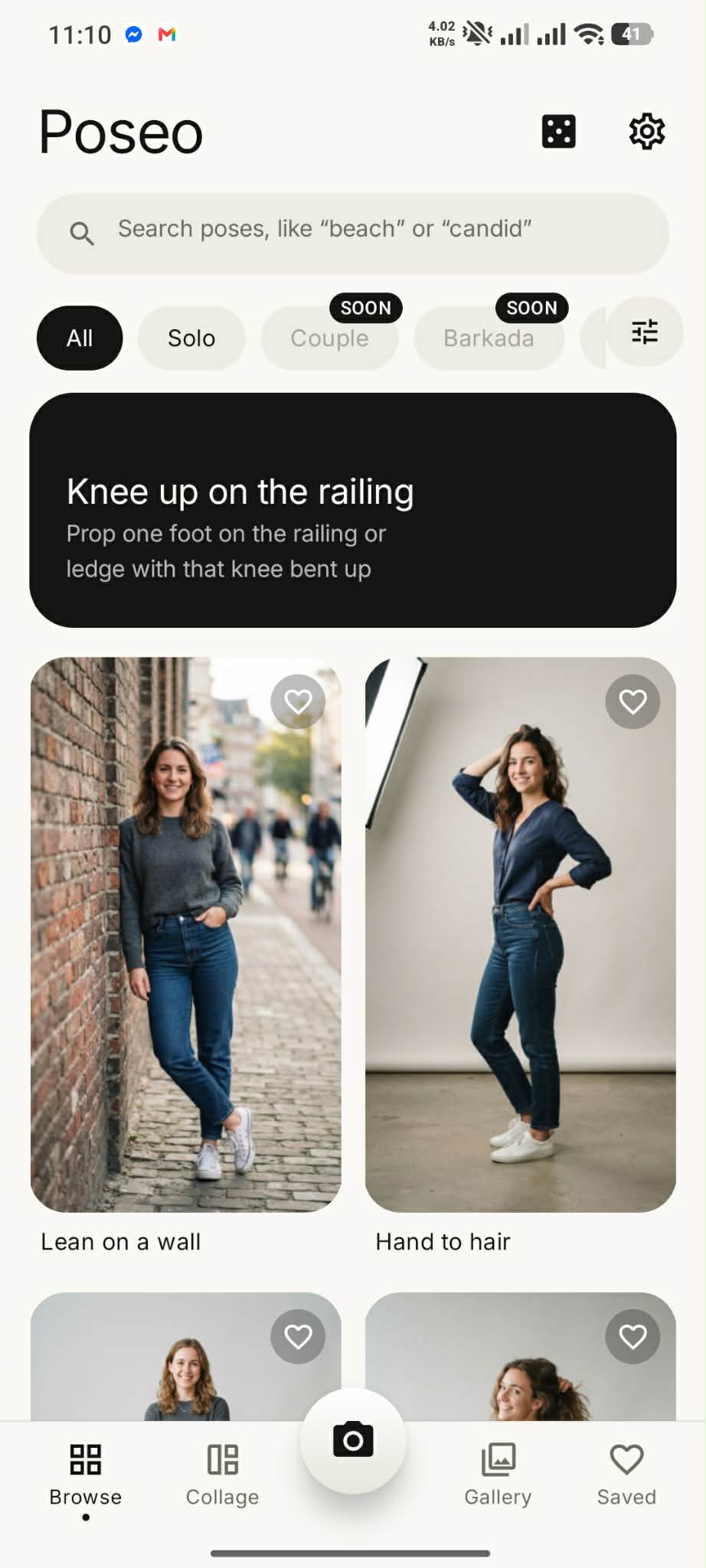
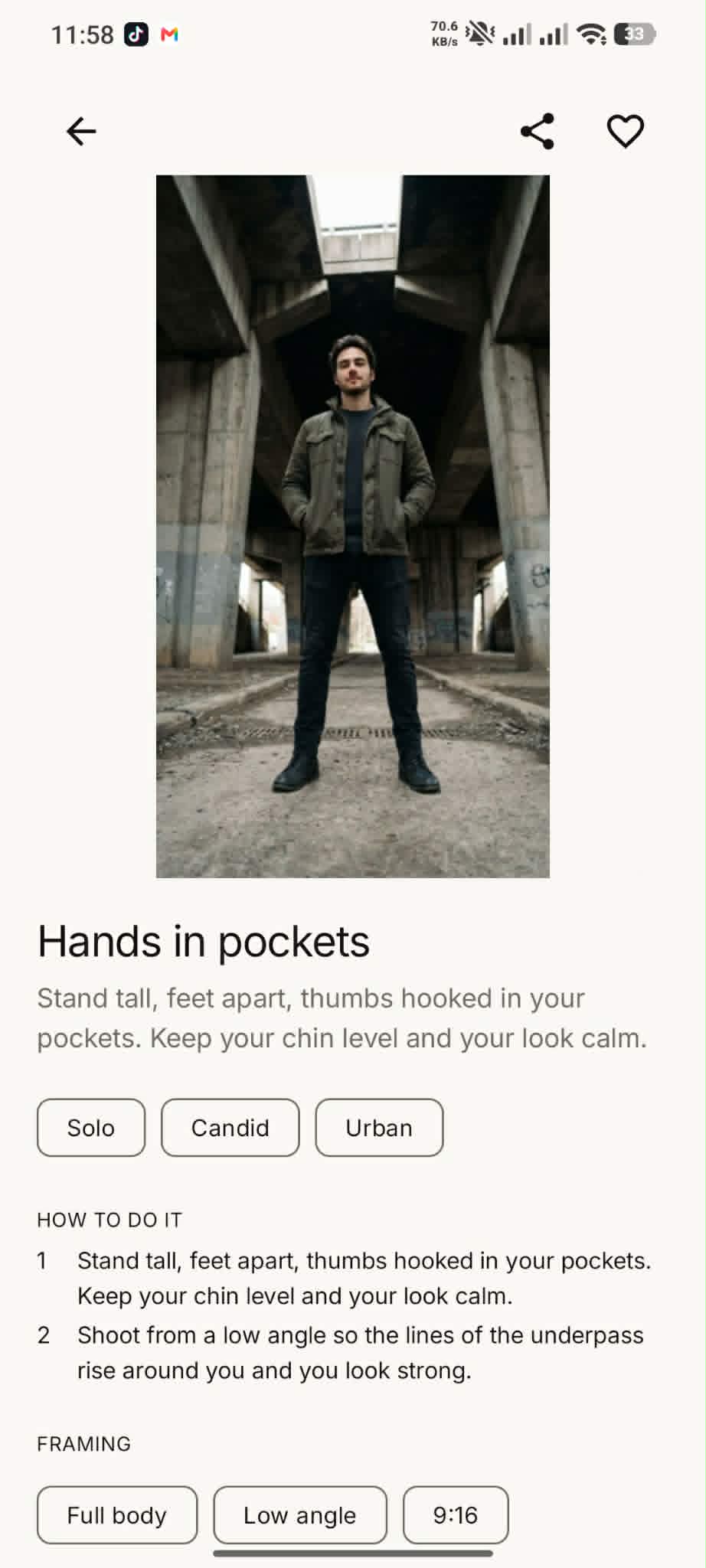
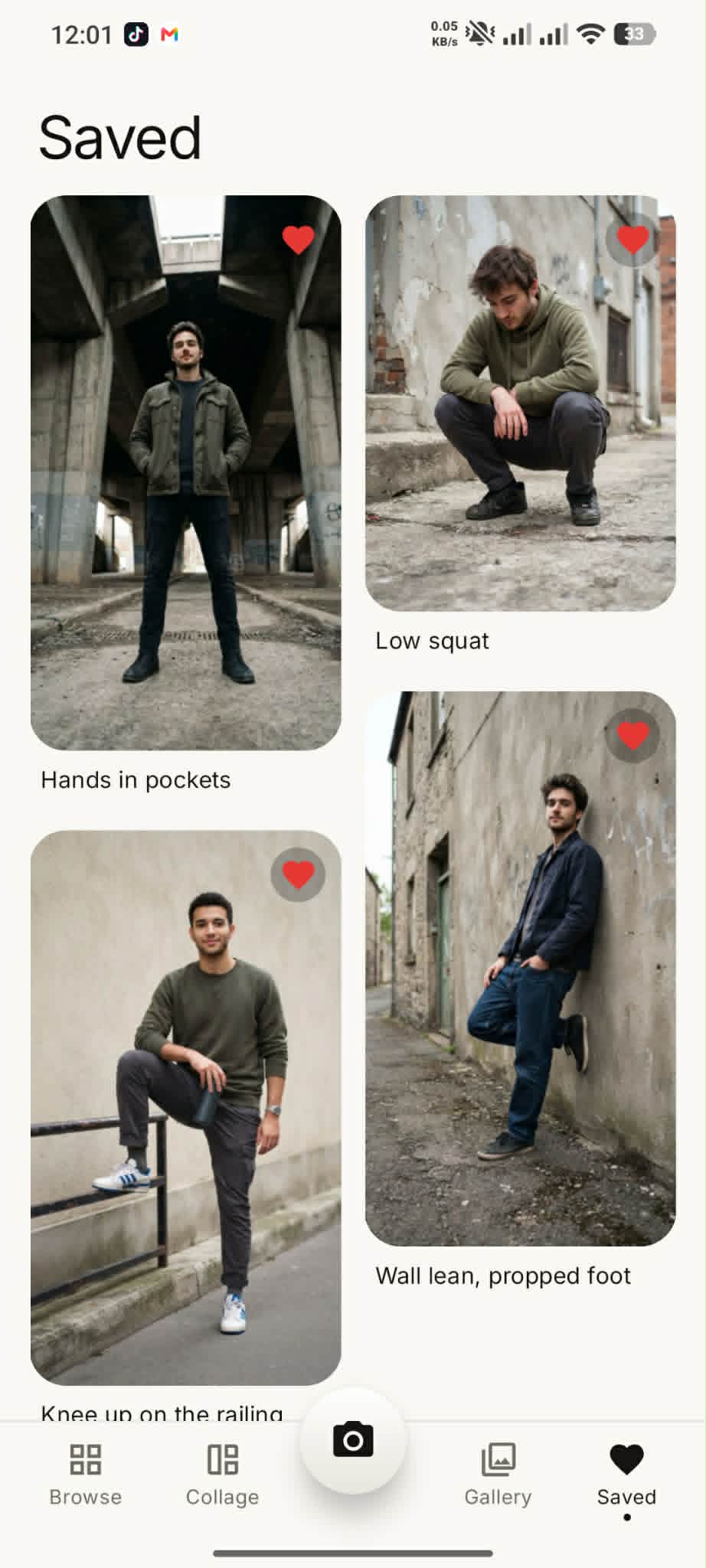
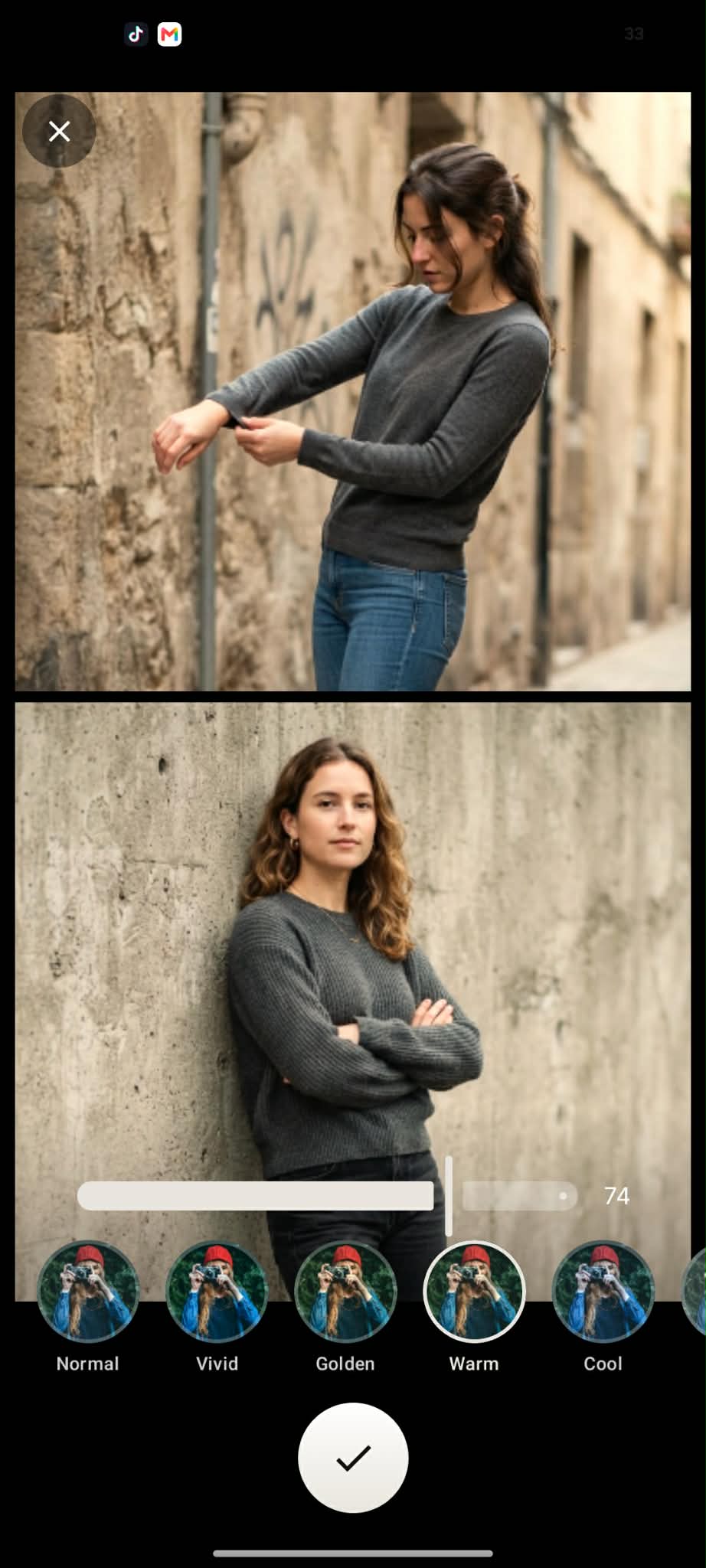
This is Poseo, exactly as testers see it today.
Real screenshots from the current closed testing build. No mockups, no concept art.
Anatomy of a pose
Every pose is a small lesson in photography.
This is Hand to hair, exactly as it ships in the app.
How to stand
Turn your body halfway to the side. Bring one hand up into your hair and rest the other on your hip with the elbow out.
Where to put the camera
Shoot at eye level from the side you turned toward. The angle gives your body shape.
Why the angle works
Dynamic. The body turned partway adds shape and depth.
Five camera angles, each explained in plain words. Eye level, three-quarter, from behind, low, and high.
The launch collection
54 poses across 7 scenes. Every one traced by hand.
Hover any photo to see the exact tracing guide that appears in your camera.
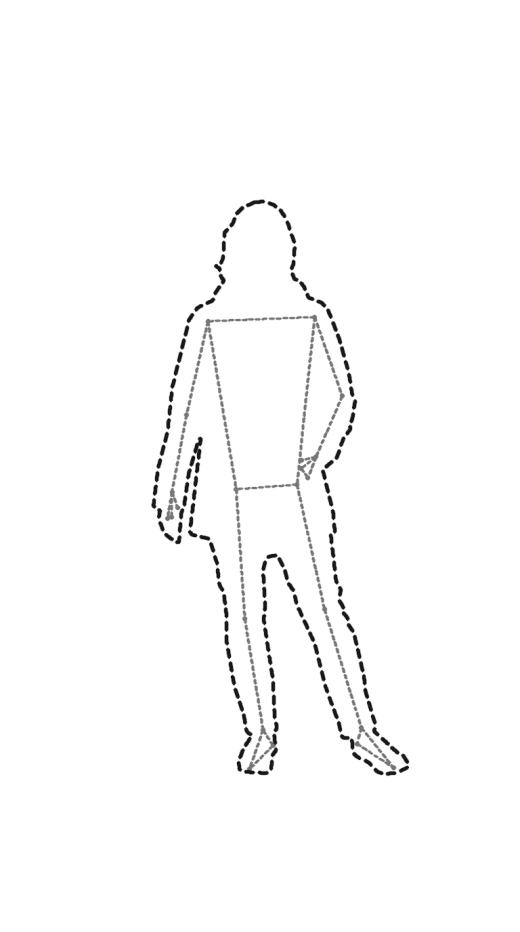 K-Style
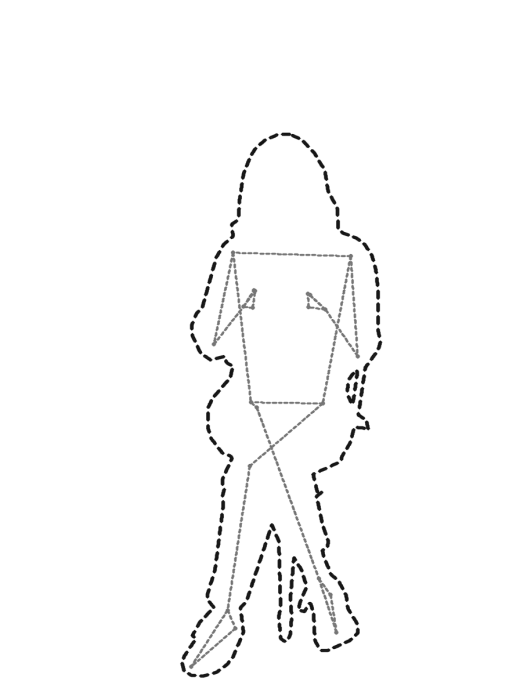 Cafe
Cafe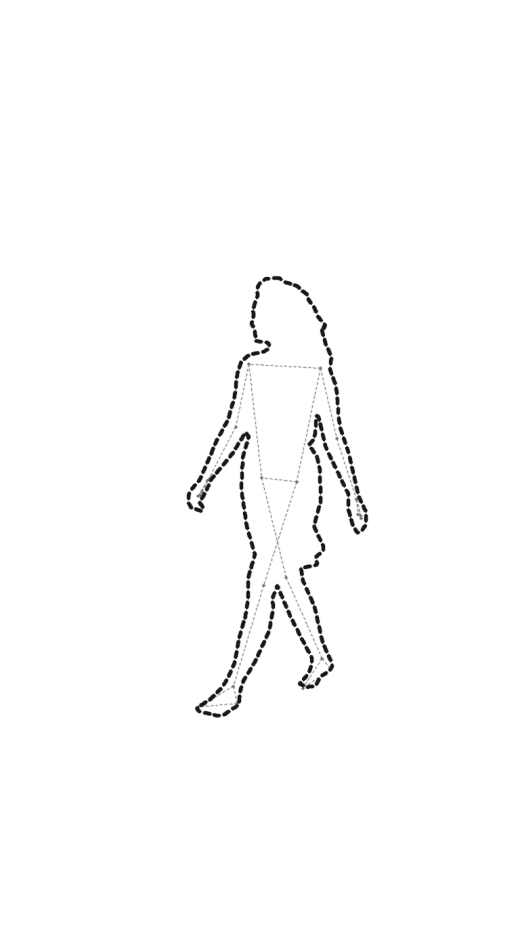 Beach
Beach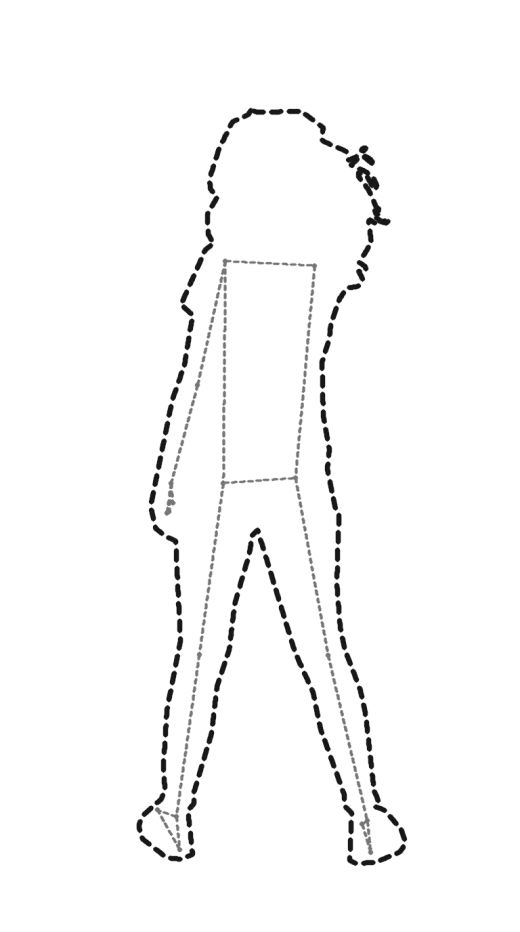 Studio
 Urban
Urban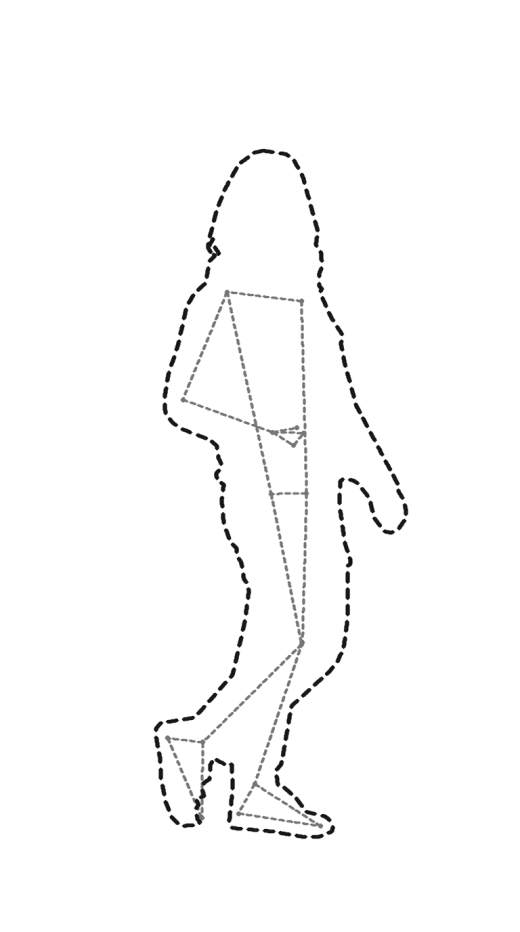 K-Style
 Nature
 Movement
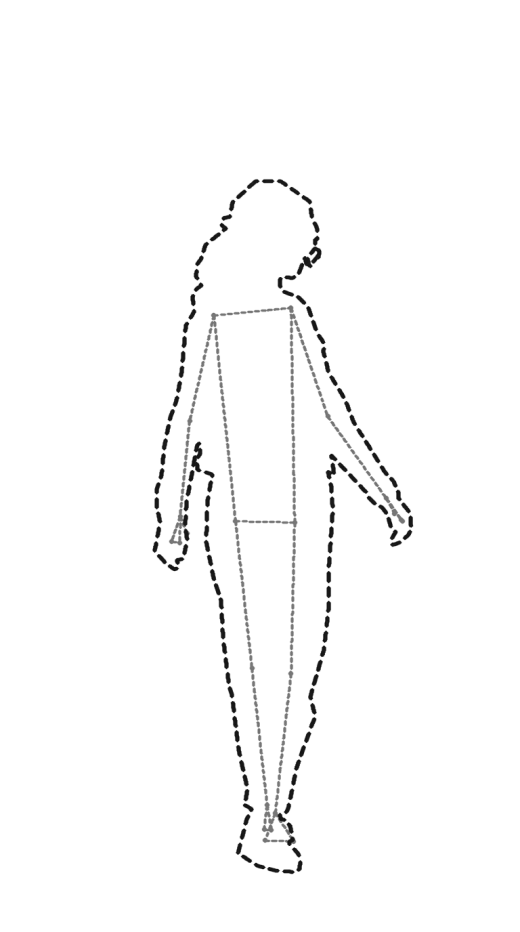 K-Style
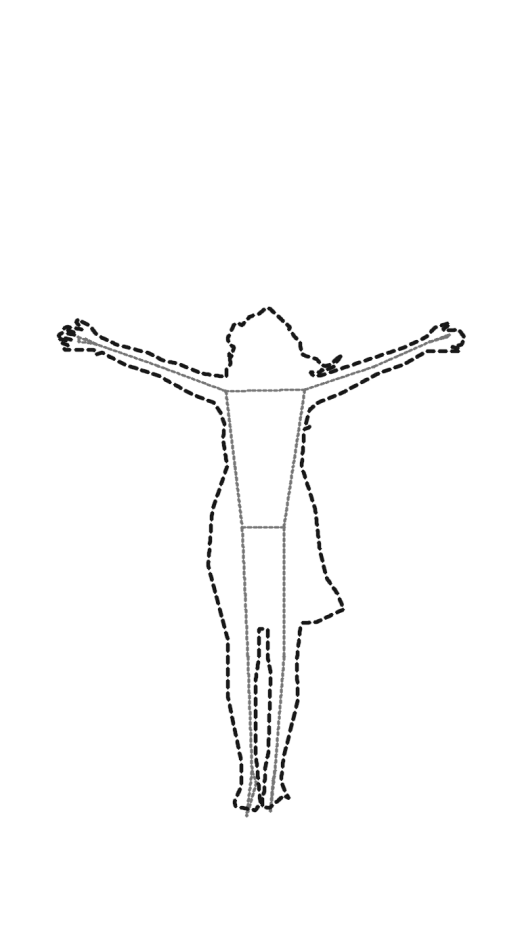 Nature
 Cafe
Cafe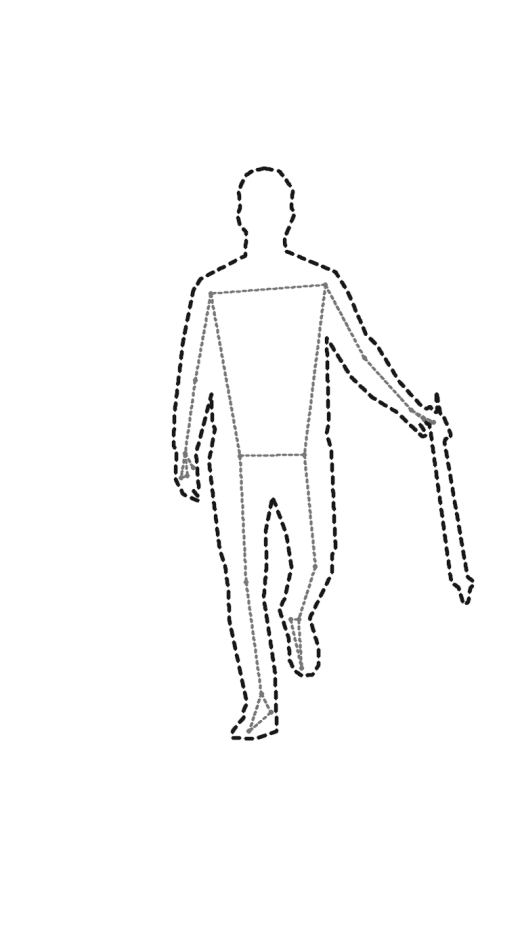 K-Style
The roadmap
Day one is 54 poses. It only grows from here.
Updates land free. New poses, new scenes, new categories, and the same promise every time: no ads, no account, nothing leaves your phone.
Beyond the shutter
Everything after the shot, still inside Poseo.
Story-ready collages
An Instagram-style collage maker with live camera capture, post and story formats, crop control, layouts, and filters. Export straight to your gallery.
Angle coaching
Every pose tells you where to put the camera and why. Eye level for honesty, low for presence, three-quarter for shape. Small changes, visibly better photos.
The field notes
Guides for the shots you already take.
Couple posesCouple poses built on interaction instead of stiff side-by-side standing: walking, leaning, seated, and candid prompts that produce real expressions.Golden hour photographyHow to actually use golden hour: when it starts, front light versus backlight versus rim light, exposure for glow, and poses that suit warm low sun.Rule of thirds & the gridTurn on your camera grid and use it properly: rule of thirds placement, straight horizons, leading lines, and when to center instead. With diagrams.The journey
From a camera roll problem to your home screen.
- 01 · Ideation
The idea
A camera roll full of the same stiff pose raised the question Poseo answers: what if the camera itself showed you the pose before you pressed the shutter?
- 02 · Development
Building the library and the camera
Months of shooting real references, hand-tracing all 54 launch poses, and tuning an overlay camera that stays fast while running fully offline.
- 03 · Internal testing
Friends and family first
The first builds went to people who would be honest. They broke the collage maker, questioned the trace thickness, and made the app better for it.
- 04 · Closed testing
Closed beta on Google PlayWe are here
A small group of testers is running Poseo on real phones right now, shaking out bugs before the doors open. You can join them below.
- 05 · Production
Public release
The goal: a free, public launch on Google Play. No ads, no account, nothing leaving your phone. Same promise as day one.
Closed testing
Try Poseo before everyone else.
Poseo needs a small group of testers before Google lets it go public. Two taps and you are in. Free forever for everyone who installs during testing: if a paid version ever exists, you stay unlocked.
- 1
Join the tester group
Tap “Join group”. No approval needed. Google requires this step first, or step 2 shows an error page.
Join on Google Groups - 2
Then opt in here
Tap “Become a tester”. The Play Store install link appears on that same page right after.
Become a tester on Google Play - 3
Install, and you are done
Use the same Google account for the group, the opt-in, and your Play Store, or the opt-in silently fails. This install link works only after step 2, since closed tests are hidden from Play Store search.
Get Poseo on Google Play
Problems joining? Email me and I will walk you through it.
Private by construction
Poseo cannot leak your photos. It has no internet.
The app does not request the internet permission, so it is technically incapable of sending anything off your phone. No accounts, no analytics, no ads, no third-party SDKs.

Your next photo already knows its pose.
Poseo is an Android app currently in closed testing. It will be free when it opens up, with no ads and no account.